Showing posts with label kahoot. Show all posts

Friday, October 9, 2015

Formative Assessment in the Classroom and Tools to Help

Formative assessment has become a focus in the classroom here at my high school and there are a number of technology tools that can help with that.  I did a couple of blog posts last year on different formative assessment tools and the ones I like to use, so this post is simply a review of a couple of really helpful ones, with a link to a chart comparing a variety of options.

The formative assessment online tool I find myself recommending more and more is called Formative.  Not a super original name, but it tells you what it does.  I think what I like most about this tool is the variety of question options it has, both quick responses where you don't have to pre-load the questions, and quizzes and assignments you can create ahead of time.  Additionally, you can assign formative assessments to students, so it doesn't always necessarily have to be done live in class with students.  Students can answer a variety of ways, including by writing or drawing on the screen, or by taking a picture of their work and uploading it as an answer.  I find this one very helpful for math and science where it may not be feasible to have the students actually work through the answer on the computer as easily.  With formative, they can still work through the problem on paper, but then take a picture of it and turn that in so the teacher can still see their work.  Overall, formative has shown itself to be a well-rounded formative assessment tool, so if you don't like to use a lot of different tools in your classroom, this is a good one to try. And for more information, check out this old post from last year about Formative.

Kahoot is another formative assessment tool that I really like, simply because it is easy to use and fun.  I have used this with a few library lessons during summer school and the students are always engaged and have fun with it.  In an nutshell, Kahoot takes formative assessment and turns it into a game.  The premise is still the same (find out what your students know), but the set-up of Kahoot, the multiple choice answer format, and the "rankings" it gives after each questions turn it into a fun game for the students. This is a tool that can make a formative assessment more fun if not overused and timed right with the appropriate lesson. For more details about Kahoot, check out this old post from last year.

Plickers is a formative assessment tool that I have not personally used but learned about from a teacher during summer school who used it in her class.  It is basically the old version of holding up your notecards with an A, B, C, or D on them, but using technology.  The benefit of the Plickers is that instead of notecards with letters it uses QR codes, which are then held in one of 4 different directions by the students, which helps cut down on those students that are only holding up the letter A because they see everyone else doing it.  The students hold up their cards and then the teacher scans the room with the app open on a device (computer, iPad, tablet, phone, etc) and the app feeds the student answers into a format the teacher can see and review.  Like Kahoot, it is something a little neat and different, and while it is fairly limited in the types of questions you can ask, it is fun and engaging for students and can make formative assessments a little more interesting.

Well that's plenty of formative assessment information to get you going, but if you are still looking for different formative assessment tools to use in the classroom, check out this comparison chart from Richard Byrne at Free Technology for Teachers.  It is a helpful way to compare different formative assessment tools and find the one that's right for you!

Friday, January 9, 2015

Online Review Creation Tools

With semester one coming to a close and finals looming next week, teachers are looking for different ways to create online reviews for students.  There are a number of online tools that let teachers create games or different review formats that students can use to study class content.  Many of the tools have existing quizzes or games created by other teachers that you can tap into and use.  In this blog, I'm only going to look at three of the ones my teachers like and use the most.  Hopefully utilizing one or more of these tools will help you in finding different and engaging ways for students to review your classroom content.


Quizlet
Quizlet is an online tool that allows you to create a review set with matching terms and answers, in a variety of languages.  You can also add images and choose privacy settings to make your reviews public, or only to your classes or specific people.  When students go to complete the review, they have a variety of options for how the content is presented, including flashcards, spelling, taking it as a test, a learning mode, as well as scatter or space race games.  It works well for allowing students to review material on their own, and there are many publicly created sets already made that teachers can access and use.  See the links below for more information and help.

Teacher Overview/Ideas for Using Quizlet
Introduction to Quizlet


Kahoot
I just did a recent post devoted solely to Kahoot, but I focused on using it as a formative assessment tool real-time in the classroom. However, Kahoot can also be used as a review tool because students can sign up for accounts and create their own Kahoots, and them make them public and use them to review together.  Having students create their own Kahoots is a great way to assess whether they understand the classroom material.  See the links below for more information and help.

Get Kahoot - Link for Student to Sign up to Create Kahoots
Kahoot FAQ Page


Purpose Games
Purpose Games is a web site for learning and having fun at the same time.  Like the other tools, you can create your own games or use ones created by others.  You can create games or quizzes, and make playlists of your favorite games.  The games involve using images and having students identify different parts or areas on an image, or teachers can create standard multiple choice quizzes.  Teachers can also create groups, which makes managing and providing reviews for students easier.  Click on the links below to get started!

Purpose Games FAQs


Friday, December 12, 2014

Are You in Kahoot!?


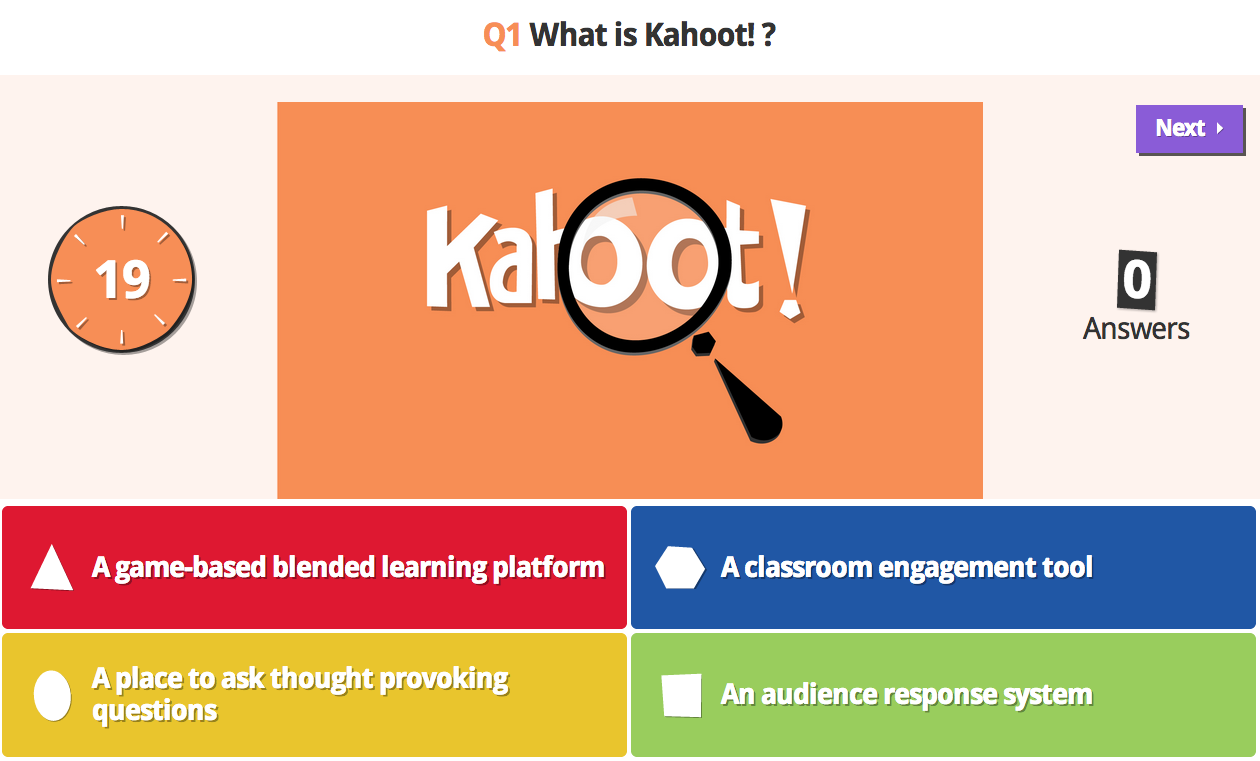
Formative assessment is a big topic around here and a focus this year, so this blog post will focus on another formative assessment tool called Kahoot.  Kahoot is a student response system that allows teachers to create pre-made quizzes, discussions, and surveys, which can then be done interactively in class.  The site adds a game-like quality to the formative assessment, making more fun and interactive for students.

Teachers can create their own Kahoots (quizzes, discussions, or surveys) or use ones other teachers have created and made public.  After completing the activity teachers can receive a summary report that provides information about each student and the class as a whole, including a breakdown by question on how the students did during the activity.  This can help teachers evaluate later individual students who may need more attention, or topics that they may need to reteach.

See the videos below for more information on using Kahoot!

Introduction to Kahoot for Classroom Assessments
Get Kahoot  - link to site for teachers to sign up
Kahootit! - Link for students to participate in an assessment